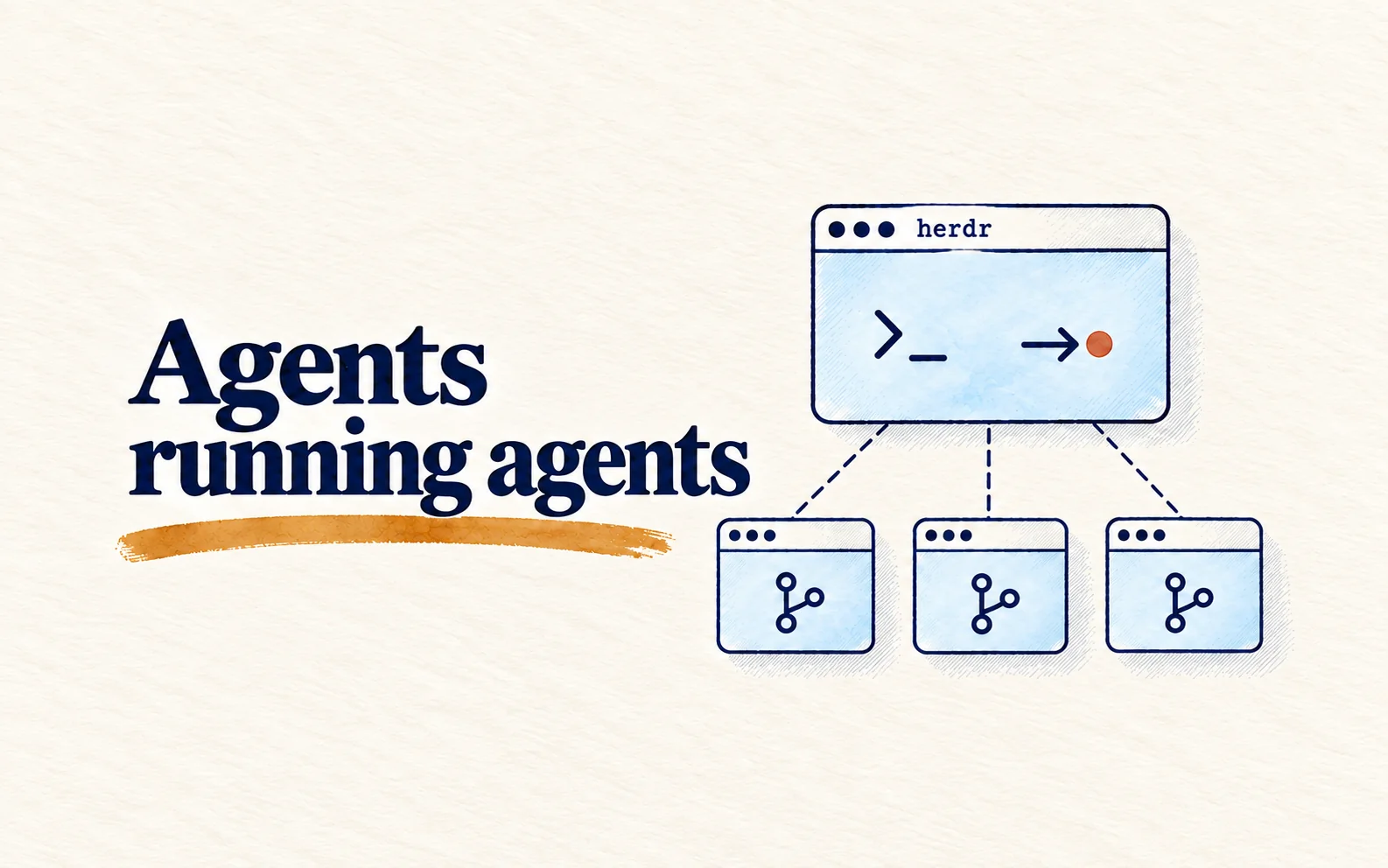
Quick summary: Open a coordinator thread, pin it, and let it create one thread per task in Worktree mode, each with its own branch and a status table. You only come back to one place to ask for progress, review diffs, and decide what to merge.
If you have a chat open and have handed Codex one task, here is how to keep going: run four parallel streams and still know what each one is doing. I follow the exact order of operations, from project setup to cleanup, with prompts you can paste straight into the app.
All you need is to have handed Codex a task in a chat before. Button names, panel positions, shortcuts, and features such as Goal mode or "activity insights" in this guide follow the Codex docs as checked on 2026-08-01. The interface can differ between app versions, so if you cannot find a button, check the docs listed at the end.
Set up the project before opening any agent
The three steps below are one-time per repo, but skip them and you will pay for it later.
- Create a project for the codebase you plan to run. A local project can group multiple related folders; pick the main folder so Codex performs Git operations there.
- Open notification settings and enable alerts when a task completes or needs your approval. If you run multiple streams, prefer alerts only when the app is not in front, to reduce interruptions.
- If a worktree needs local files that are in
.gitignore, create.worktreeincludeat the repo root and list only the dev config with minimum required permissions. Do not put production credentials here.
Step 3 is skipped most often
Worktrees include files Git already tracks, but they do not automatically copy every untracked local file.
.worktreeincludecopies only ignored files that match its patterns into the worktree Codex manages. Missing setup files can break dependencies or tests in later steps.
Opens when your account has subscriber access
This guide is for subscribers
Once your account has access, the full piece, the interactive visual and the agent call all open.
- Sign in or create a modernEngineer accountReading access belongs to your account email.
- Choose a plan on the pricing page1, 3 or 12 months, paid by VietQR bank transfer. Access opens about a minute after the money arrives.
- Or redeem a Facebook subscriber codePeople supporting the page on Facebook get an activation code by message each month.
Already a subscriber? Sign in to read.
Use this piece in your agent
Get an API keyCopy the text below and paste it into Claude Code, Codex or whichever agent you use. The agent reads the piece and checks it against the repo you have open.
Read "Use the Codex app to coordinate several agents in parallel" on modernEngineer and apply it to this repo.
1. Call the content_get tool of the modernengineer MCP server with locale "en", slug "codex-dieu-phoi-agent-guide". If the modernengineer MCP server is not connected, stop and walk me through connecting it from https://modernengineer.dev/en/mcp.
2. Summarize the main steps of the piece and point out which apply to this repo.
3. Propose concrete changes and ask me before editing any file.
Connect MCP in Claude Code (once)
claude mcp add --transport http modernengineer \
  https://api.modernengineer.dev/mcp \
--header "Authorization: Bearer <API key>"Reading the full piece over MCP needs an API key from a subscriber account or one that bought this guide. Without access, the agent only gets the opening.
- Version
- v1.0.0
- Updated
- 10/08/2026
- Licence
- All rights reserved
- Slug
- codex-dieu-phoi-agent-guide