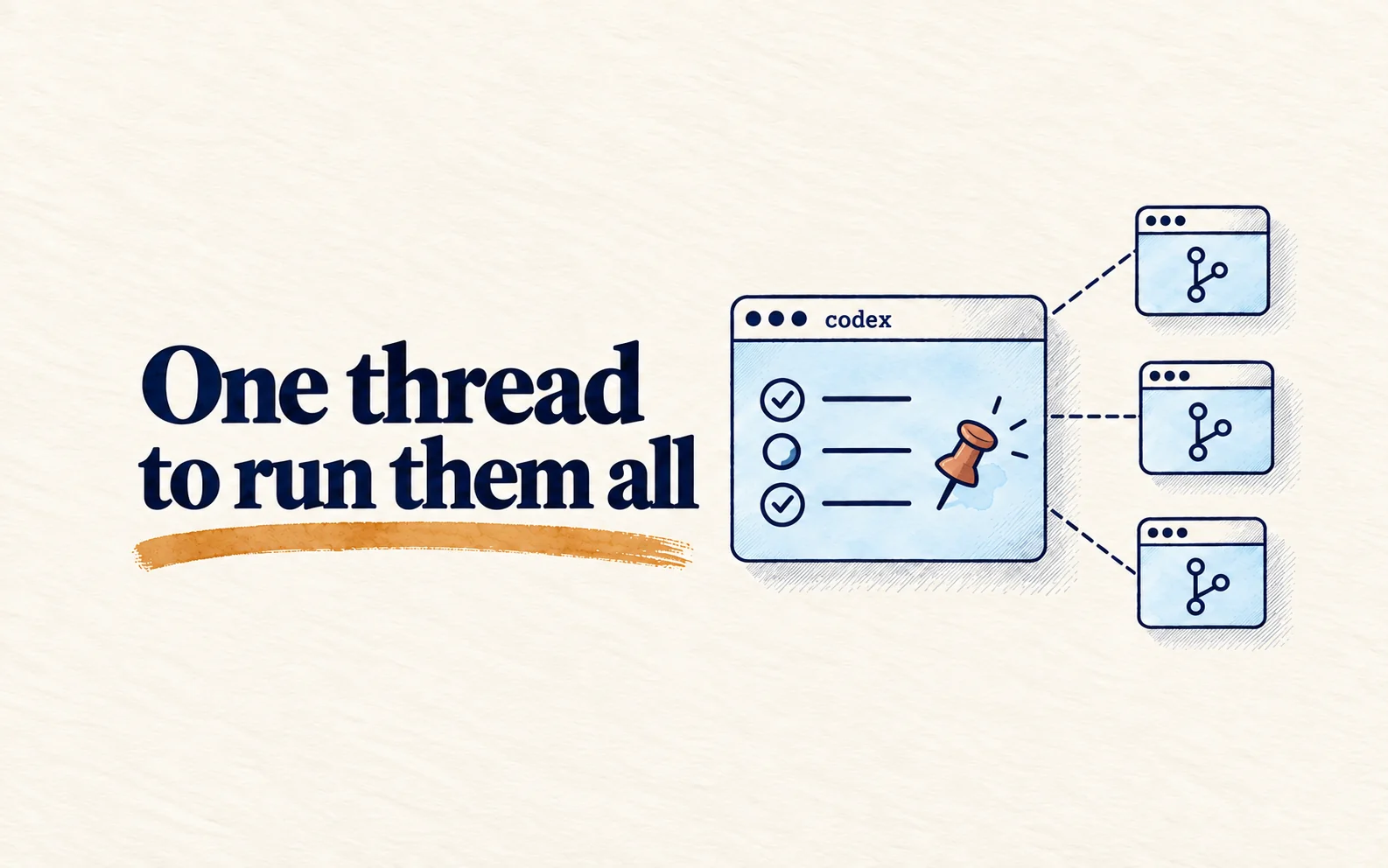
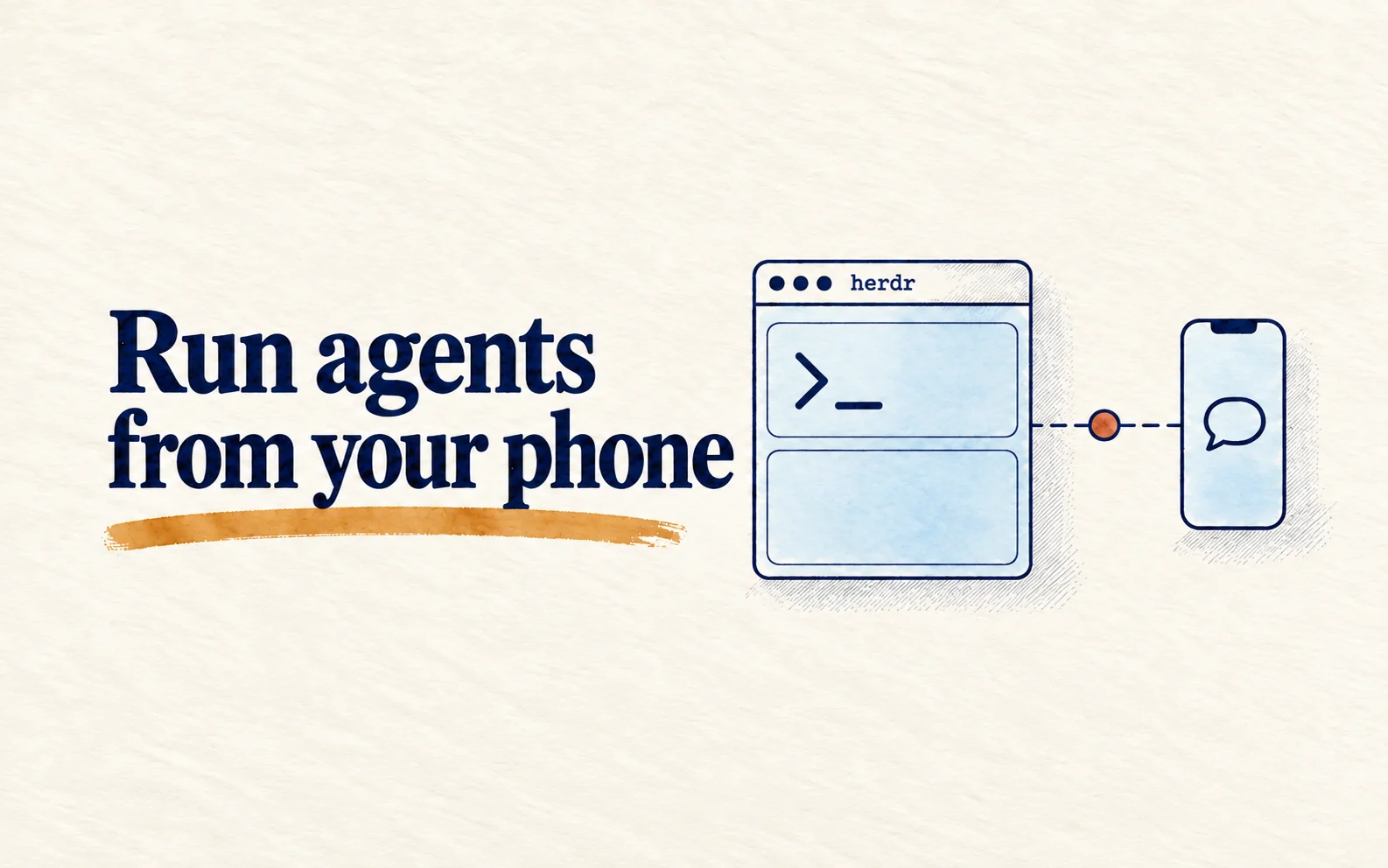
Quick summary: In Herdr, one agent controls other agents through the CLI, not the interface. The safe loop is to check the target first, send and wait with
agent prompt --wait, and only then read the last few lines of the pane. Every agent that writes code gets its own worktree, and everyblockedstate goes to a person.
Part 1 set Herdr up on your machine and drove it from your phone. This part uses that base for what Herdr does best: agents controlling agents. Getting it wrong has a concrete cost. An orchestrator that prompts a pane mid-turn, or presses Enter through a permission dialog on its own, is the fastest way to lose a whole team's work.
You need Herdr installed and running as in part 1, with an integration for at least one agent (claude, codex or pi). On 2026-10-03 I rechecked every command here against the Herdr docs; the Vercel Sandbox section follows the plugin's README and changelog. The Herdr CLI moves fast, so when a command on your machine differs from this guide, herdr --help and the official docs win.
I start with how one agent calls Herdr, then the safe send cycle, how to split work across several agents and why, and finally where Herdr and the skills around it still have gaps.
Agents call Herdr through the CLI, not by reading the TUI
An agent, or a script, calls the Herdr CLI instead of scraping text off the screen. Most commands return JSON, so the agent reads IDs and state from the response instead of guessing from display order. Run the block below in the shell of a Herdr pane, inside the repo you want reviewed (--current needs to know the calling pane). The example uses Codex; if you have a different agent installed and signed in, change --kind to match:
herdr status
herdr agent list
herdr pane split --current --direction right --cwd "$PWD" --no-focus
herdr agent start reviewer --kind codex --pane <pane-id>
herdr agent prompt reviewer "Review the current diff and report only actionable findings." --wait --timeout 120000
herdr agent read reviewer --source recent-unwrapped --lines 80
<pane-id> comes from .result.pane.pane_id in the JSON that pane split returns. agent start never splits panes itself: it needs a pane already sitting at a shell prompt. agent read returns text, not JSON, and recent-unwrapped is the source to use for logs and transcripts.
So the agent knows these commands, install the official skill:
npx skills add herdrdev/herdr --skill herdr -g
# drop -g to install for the current project only
herdr --skill
# prints the copy bundled with the installed binary
The skill only works when the agent runs inside a Herdr pane, which means HERDR_ENV=1 is set. Without it, the skill tells the agent to stop and say it is not inside Herdr. It also says not to run bare herdr to explore, because that launches or attaches the TUI.
Opens when your account has subscriber access
This guide is for subscribers
Once your account has access, the full piece, the interactive visual and the agent call all open.
- Sign in or create a modernEngineer accountReading access belongs to your account email.
- Choose a plan on the pricing page1, 3 or 12 months, paid by VietQR bank transfer. Access opens about a minute after the money arrives.
- Or redeem a Facebook subscriber codePeople supporting the page on Facebook get an activation code by message each month.
Already a subscriber? Sign in to read.
Use this piece in your agent
Get an API keyCopy the text below and paste it into Claude Code, Codex or whichever agent you use. The agent reads the piece and checks it against the repo you have open.
Read "Herdr part 2: let agents orchestrate other agents in parallel" on modernEngineer and apply it to this repo.
1. Call the content_get tool of the modernengineer MCP server with locale "en", slug "herdr-multi-agent-workflows". If the modernengineer MCP server is not connected, stop and walk me through connecting it from https://modernengineer.dev/en/mcp.
2. Summarize the main steps of the piece and point out which apply to this repo.
3. Propose concrete changes and ask me before editing any file.
Connect MCP in Claude Code (once)
claude mcp add --transport http modernengineer \
  https://api.modernengineer.dev/mcp \
--header "Authorization: Bearer <API key>"Reading the full piece over MCP needs an API key from a subscriber account or one that bought this guide. Without access, the agent only gets the opening.
- Version
- v1.0.0
- Updated
- 10/08/2026
- Licence
- All rights reserved
- Slug
- herdr-multi-agent-workflows